Node Playground
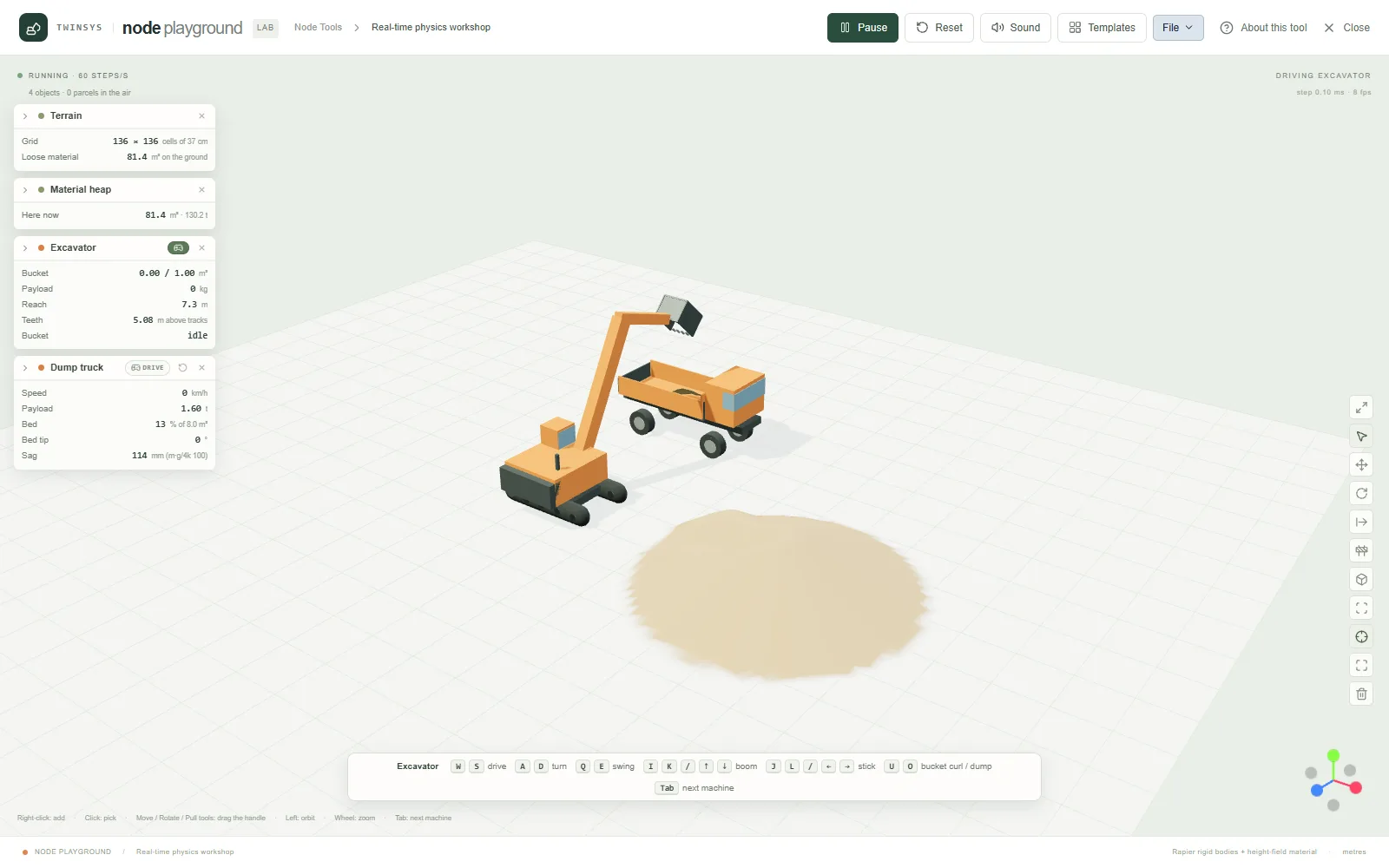
A real-time physics workshop: drop machines, material, water and structures on the ground and drive them with the keyboard.
Product pages are in English.
Highlights
- Excavator, dump truck, buggy, tractor and trailers, mortar truck, silo, belt, auger, press and crane
- Sand, soil, gravel and wheat that slide at their angle of repose; ponds and flowing particle water
- Bridge tool: girders sized by formula, and the deck collapses at 1.5 × its design load
- Live readouts on every card, and sound made from the running physics, not recordings
- Templates from Excavator & truck to Mountain road; free with a Twinsys account
A question it answers
What does this machine actually do to the material and the things around it when I drive it — and do the numbers on its card agree with the rule I would size it with?What you put in
Objects added from the right-click menu or one of the templates — terrain (flat, hills, a course, the Mountain road climb, a Node Studio template or graph, or a .nodes.json file), heaps of sand, soil, gravel or wheat, a water field or particle water, excavator, off-road vehicle, dump truck, mortar truck, tractor and trailers, silo, belt conveyor, screw auger, hydraulic press, wrecking crane, block wall and bridge — each a card of parameters in metres; live settings change the running scene; the keyboard drives the chosen machine, and the Select, Move, Rotate, Pull and Bridge tools place, carry and build in the running scene.
What you get
A live 3D scene at 60 steps per second with sound made from the physics, and live readouts on every card: bucket fill and payload, truck payload and bed fill, static sag against m·g/4k, silo discharge against Beverloo's law, belt throughput, auger capacity and delivery, press force and the part's failure load, wrecking-ball speed and energy, where a mortar round will land and the crater it digs, the tractor's progress and climb time on the mountain road, and a bridge's load against its collapse load. Scenes save to the computer or the cloud (File).
More in this family
Sketch Studio
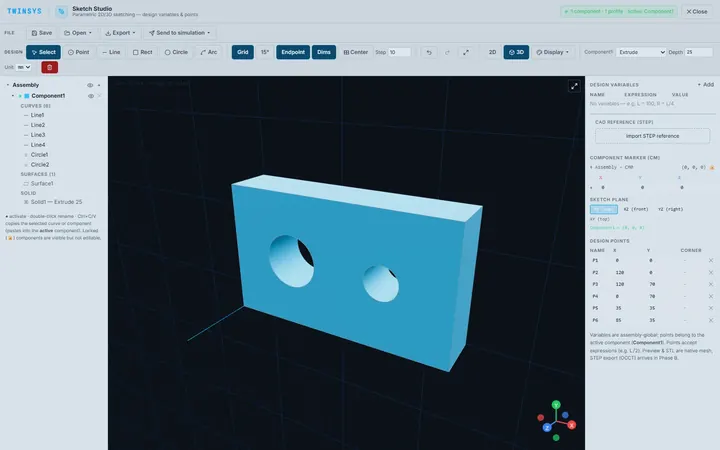
PremiumParametric 2D sketching with design variables, extrude and revolve to simple 3D parts, and STEP or STL export, in the browser.
PolyNURBS
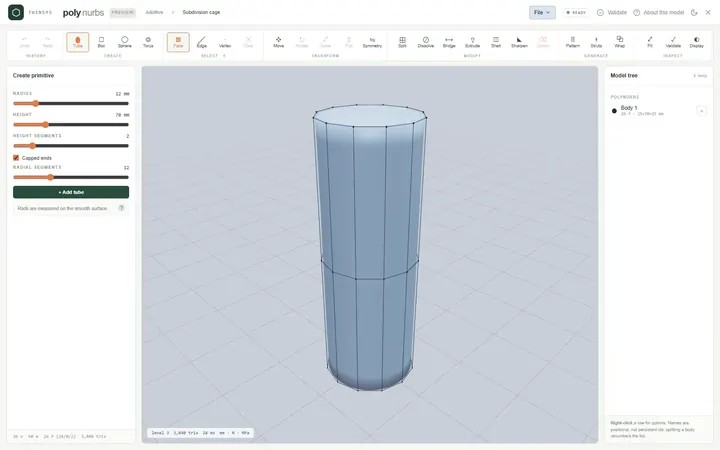
PremiumModel smooth organic parts from a quad control cage with subdivision surfaces, or wrap a faceted mesh into an editable cage.
Node Studio
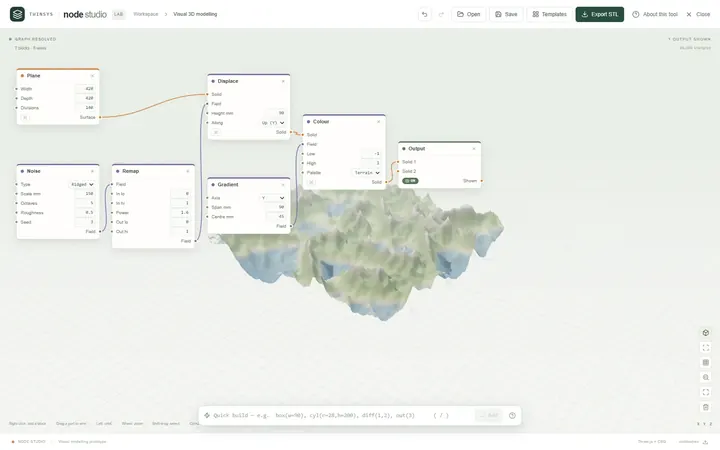
Free accountA visual node-based 3D modeller: wire blocks together and the geometry rebuilds as you type, with lists, fields and booleans.
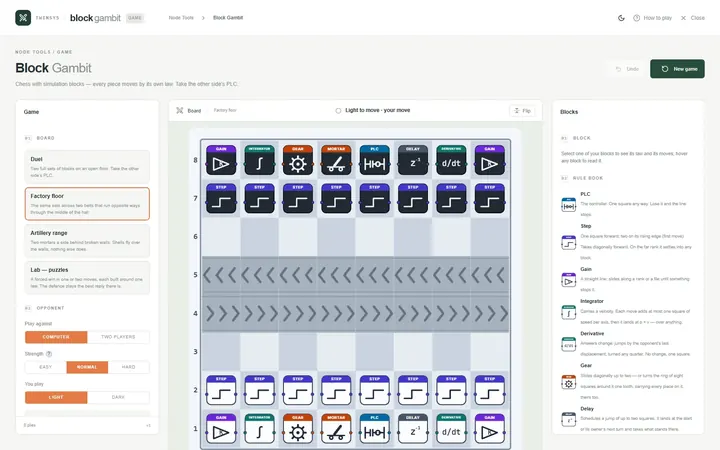
Block Gambit
Free accountChess played with simulation blocks: every piece moves by its own law, and you win by taking the other side’s PLC.
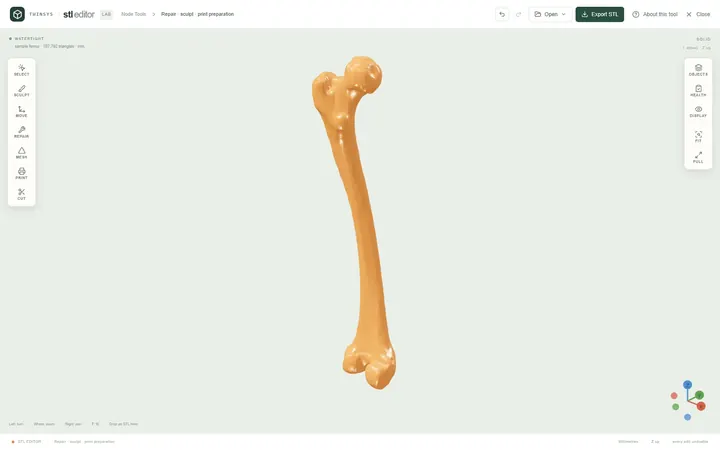
STL Editor
Free accountOpen an STL, see exactly what is wrong with it, repair, edit or sculpt it, and find the orientation that needs least support.
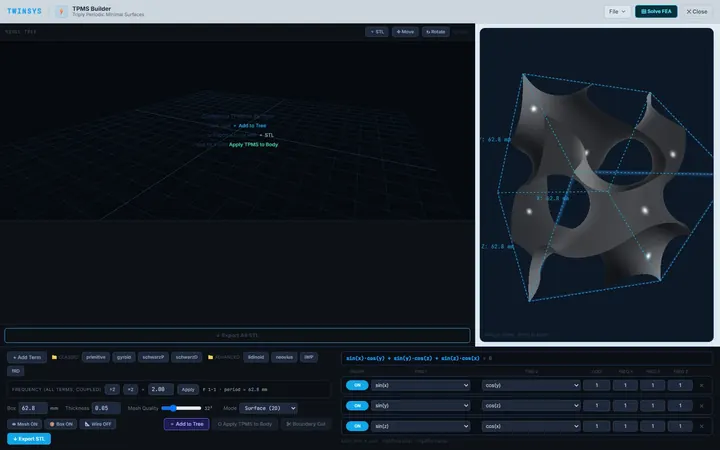
TPMS Builder
PremiumDesign gyroid and other TPMS unit cells, fill an STL body with them, and measure the cell's effective stiffness with shell FEA.