One platform.
Every tool on its own page.
Simulation, design and analysis tools that run in your browser.
Product pages are in English.
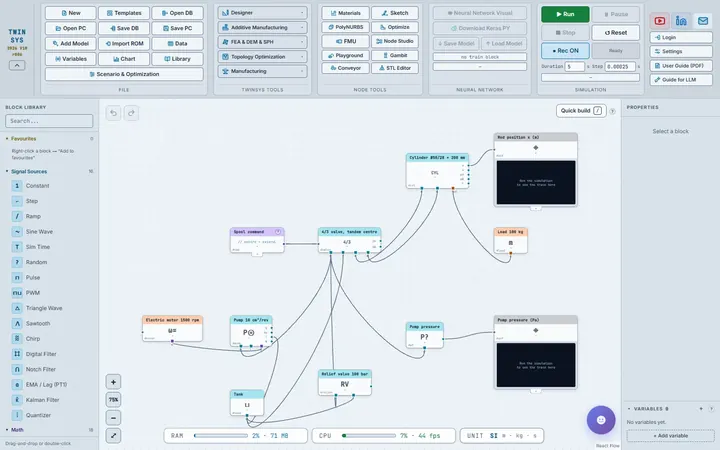
Simulation workspace
Connect blocks on a canvas, run the model in your browser and watch the results live.
Structure & strength
Load a shell, a shaft or a boom and find out what it does under load — and where the material is not earning its place.
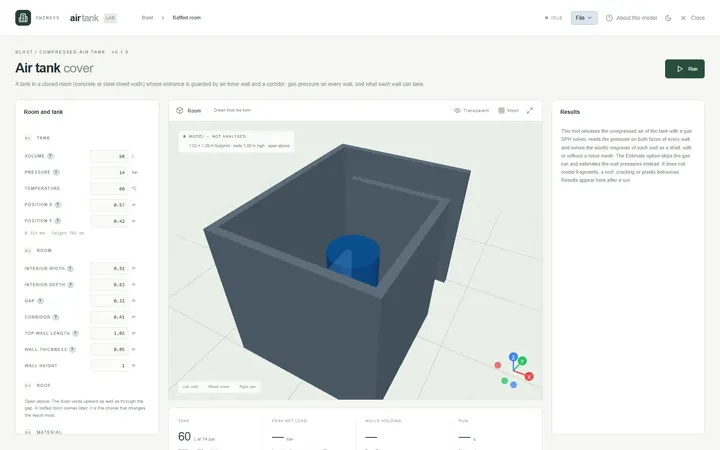
Air Tank Cover
PremiumCheck the concrete or steel walls of a room around a compressed-air tank against the blast load if the tank releases its air.
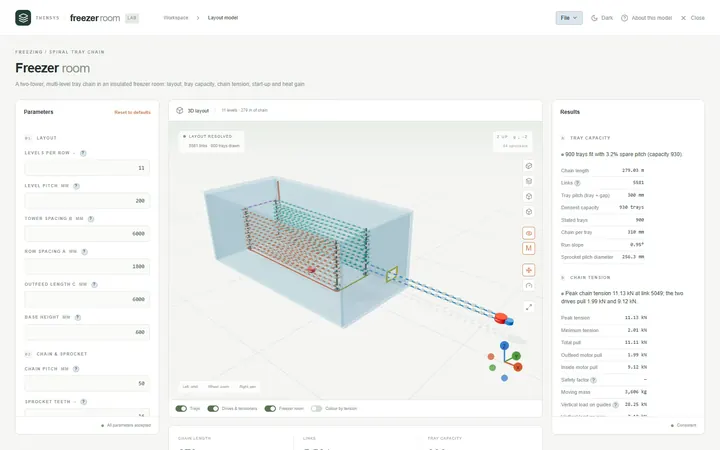
Freezer Room
PremiumLay out a two-tower spiral tray chain in an insulated freezer room and check tray capacity, link tension, start-up and heat gain.
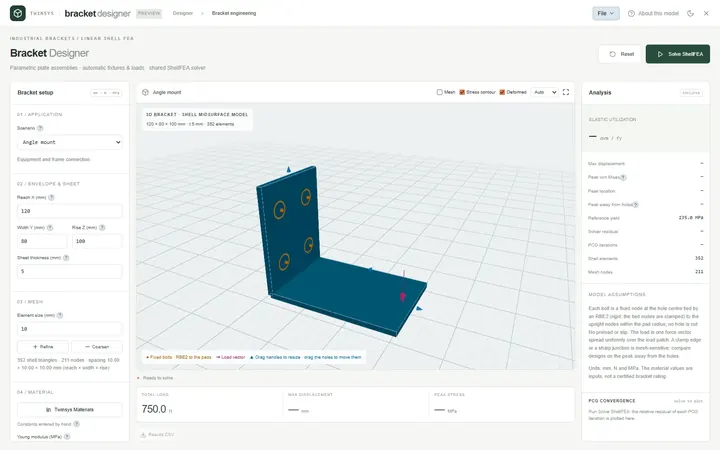
Bracket Designer
PremiumSize angle, shelf, gusseted and offset sheet-metal brackets with a linear elastic shell FEA that sets up its own wall bolts and load.
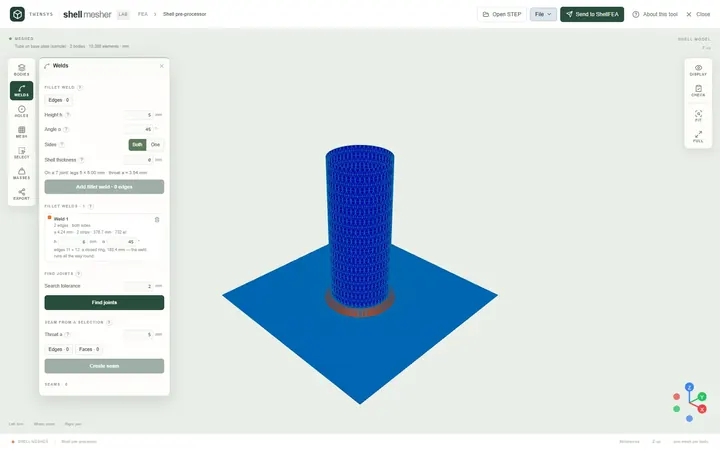
Shell Mesher
Free accountMesh STEP sheet bodies for shell analysis in the browser: thickness and element size per body, bolts in holes, fillet welds, one mesh file.
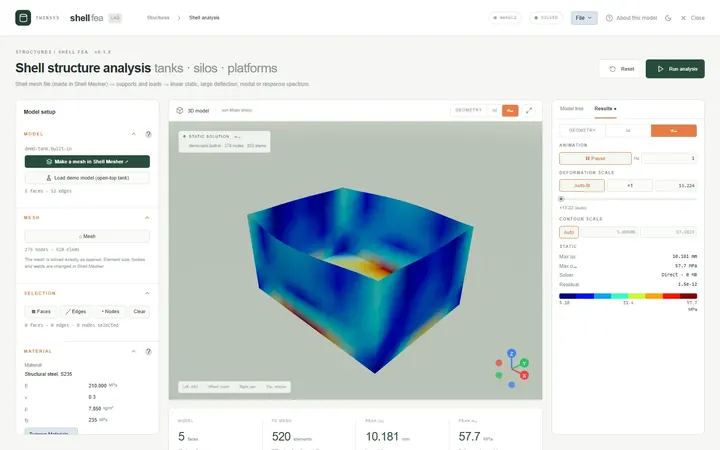
ShellFEA
PremiumFinite element analysis of welded steel tanks, silos and platforms from a shell mesh: static, large deflection, modal and seismic spectrum.
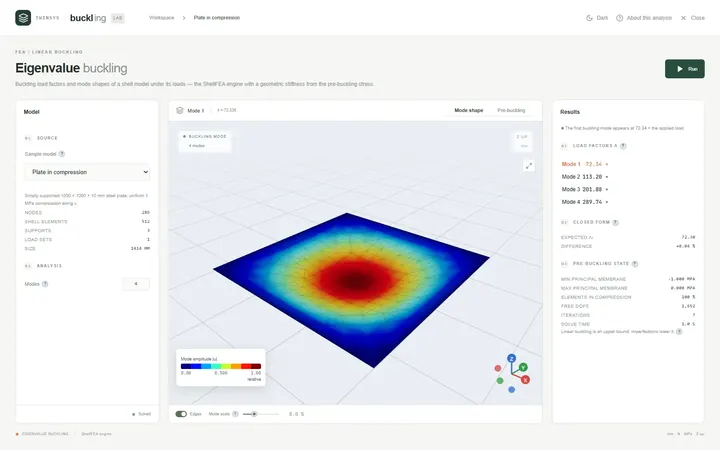
Eigenvalue Buckling
PremiumFind the load factors at which a shell structure buckles and see each buckling mode shape, from a ShellFEA model or a sample.
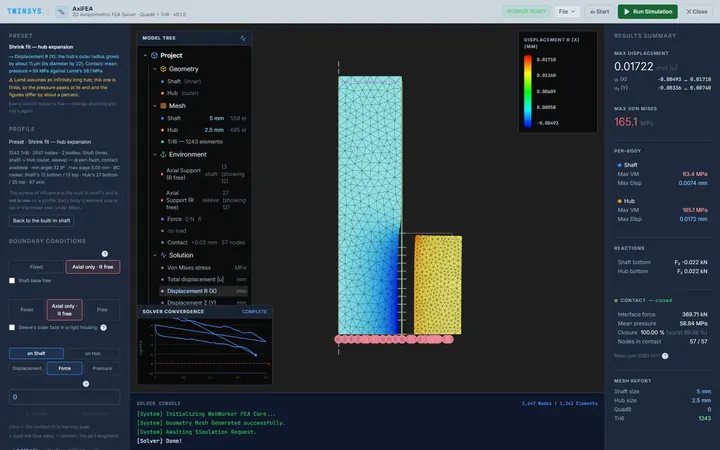
AxiFEA
PremiumAxisymmetric stress analysis of shafts, hubs, shrink fits and seals, with contact and friction, solved in your browser.
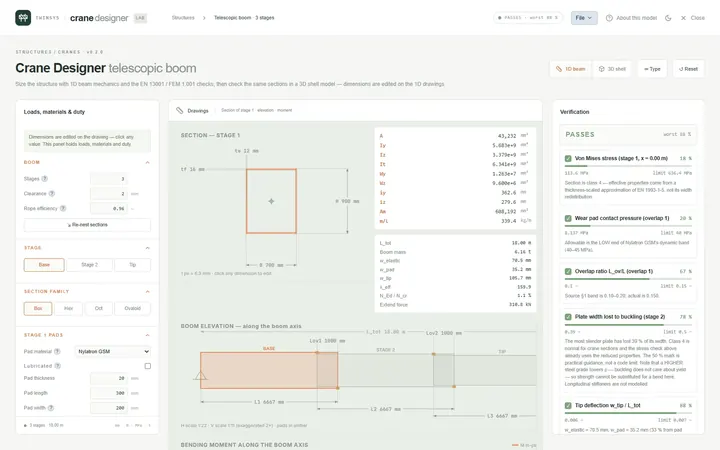
Crane Designer
PremiumSize overhead crane girders and telescopic booms to EN 13001 or FEM 1.001, with a 3D shell analysis beside the 1D beam checks.
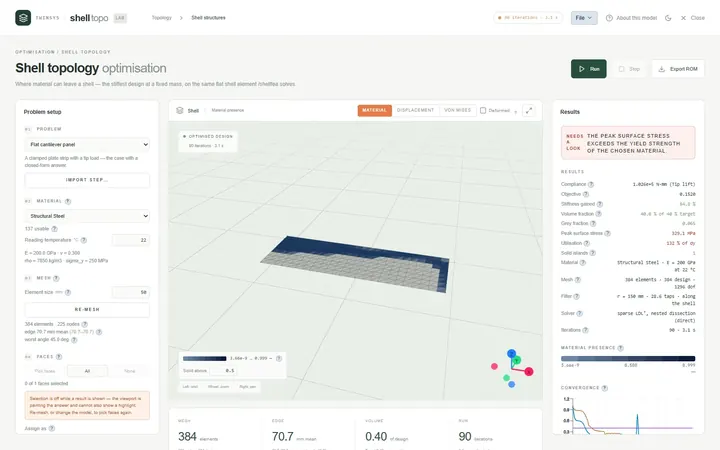
Shell Topology Optimisation
PremiumTopology optimisation of plate and sheet structures: shows where ribs and cut-outs belong for the stiffest shell at a given mass.
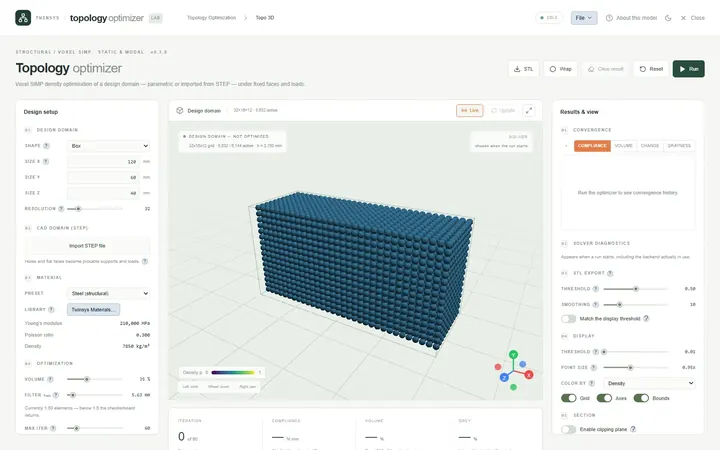
Topology Optimizer
PremiumVoxel topology optimisation that finds the stiffest shape inside a box or an imported STEP part, then exports it as a watertight STL.
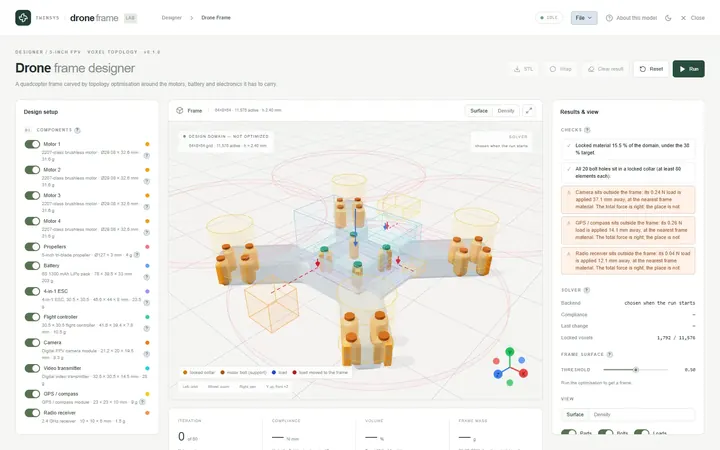
Drone Frame
PremiumDesign a 5-inch quadcopter frame around its parts: carve it from a flat plate, or optimise a beam frame and weave it into one solid.
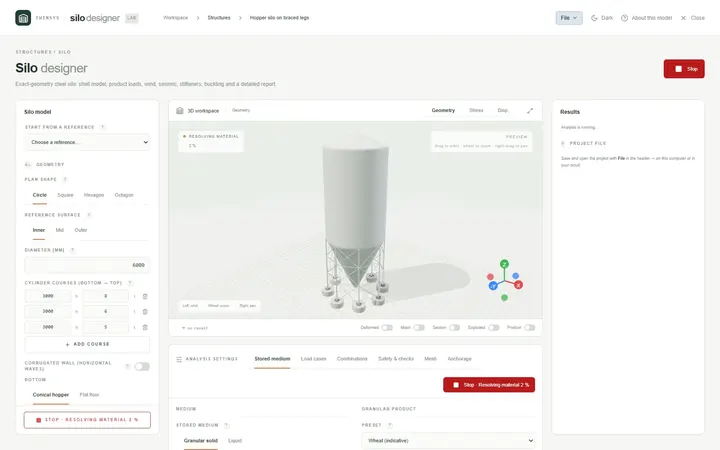
Silo
PremiumDesign and check a steel silo on a shell FEA model: wall courses, hopper, roof, product, wind and seismic loads, legs and anchor bolts.
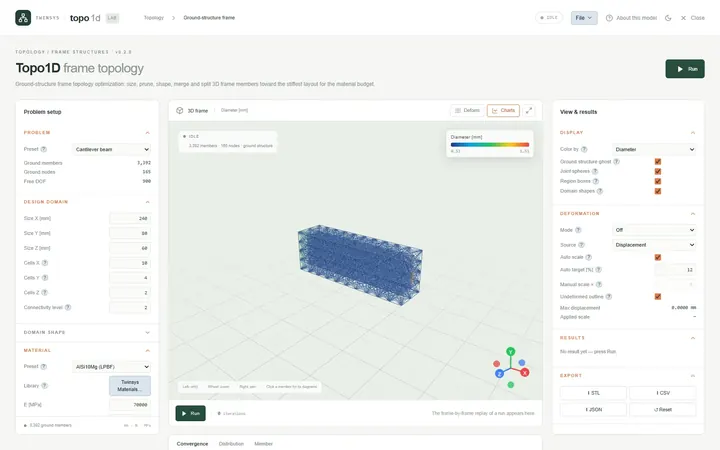
Topo1D
PremiumFrame topology optimisation: choose which members of a dense 3D beam lattice to keep, how thick each is and where joints move.
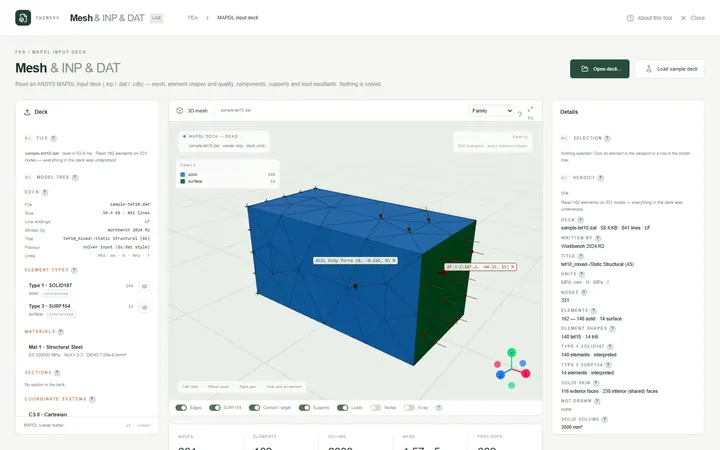
Mesh & INP & DAT
PremiumView ANSYS MAPDL input decks (.inp, .dat, .cdb) in the browser: mesh, supports, loads, DOF counts and mass, without solving anything.
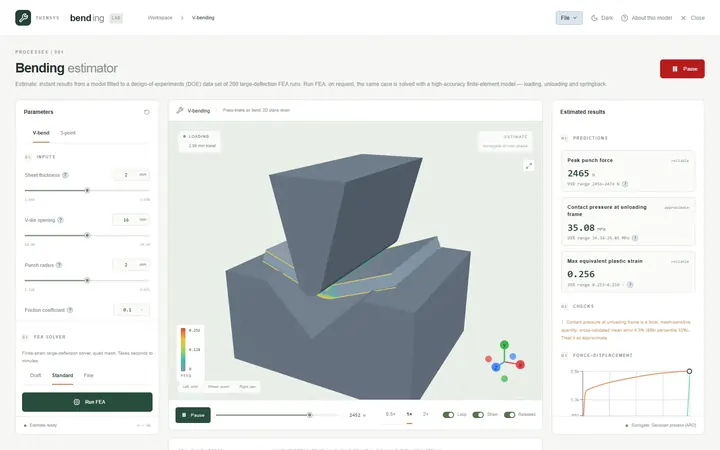
V Bending
PremiumEstimate press force and plastic strain for V-die air bending and three-point bending at once, and run an FEA to see springback.
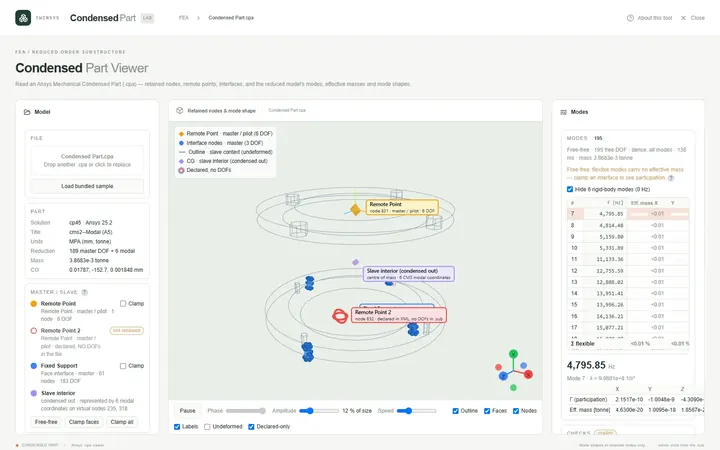
Condensed Part
PremiumOpen an Ansys Mechanical Condensed Part (.cpa), check it and solve the reduced model for natural frequencies and effective masses.
Machines & drivetrain
Size the parts that transmit power: teeth, belts, shafts, axes and the machines that drive them.
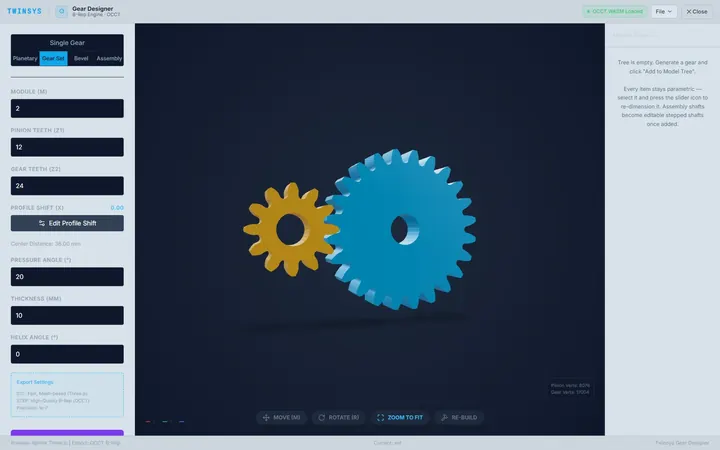
Gear Designer
PremiumDesign involute spur, helical, bevel and planetary gears with real STEP output and a 2D finite-element check of the tooth root.
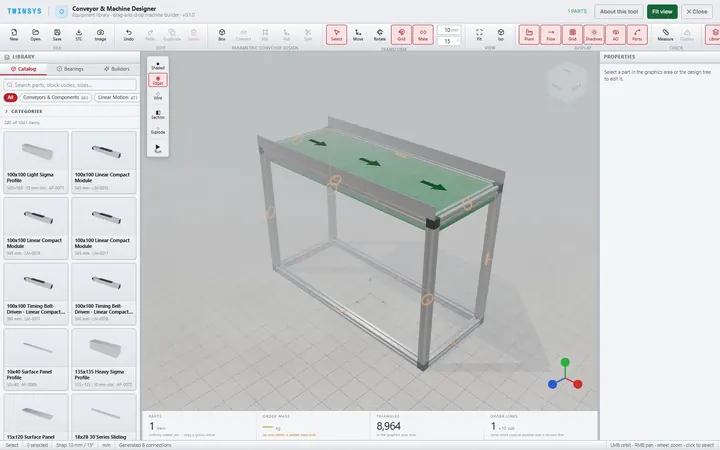
Conveyor & Machine Designer
Free accountAssemble a conveyor or machine from a catalogue of parametric parts, join them port to port, and get a bill of materials and checks.
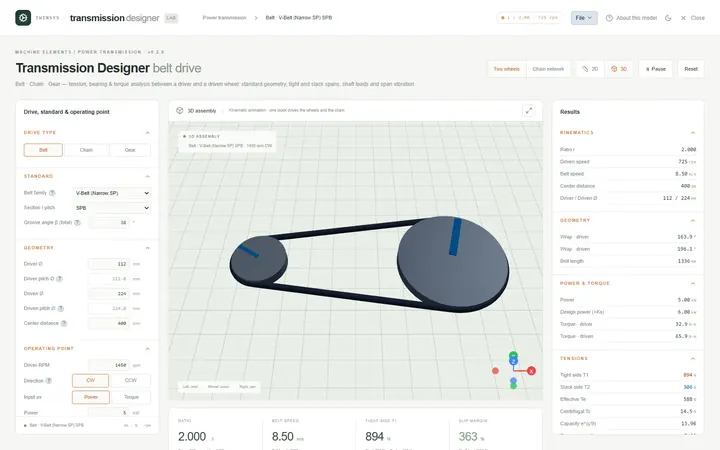
Transmission Designer
PremiumSize belt, chain and gear drives between two shafts: geometry, belt or chain length, side tensions, bearing loads and speeds.
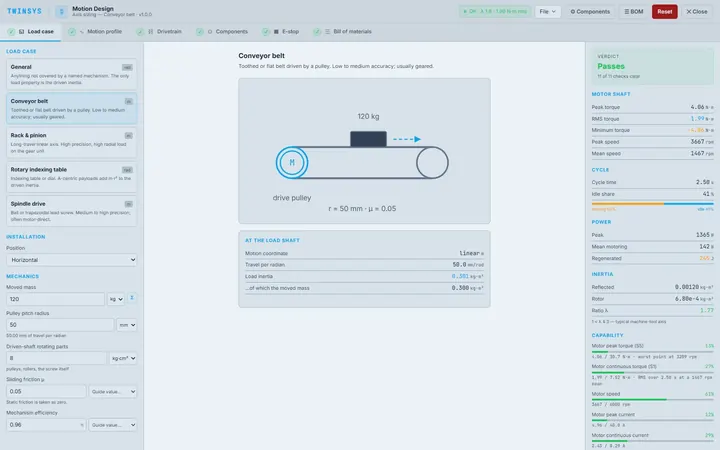
Motion Design
PremiumSize a servo axis end to end: motion profile, load through the transmission, motor, gearbox and drive checks, inertia ratio and E-stop.
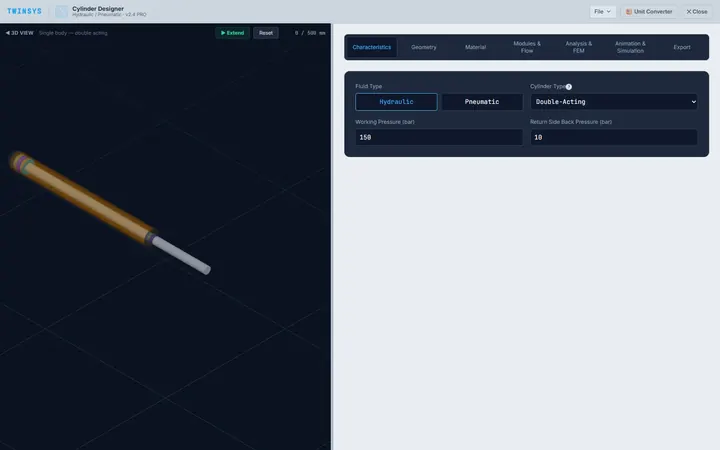
Cylinder Designer
PremiumSize a hydraulic or pneumatic cylinder: push and pull force, barrel wall thickness, rod buckling, bending and cushioning figures.
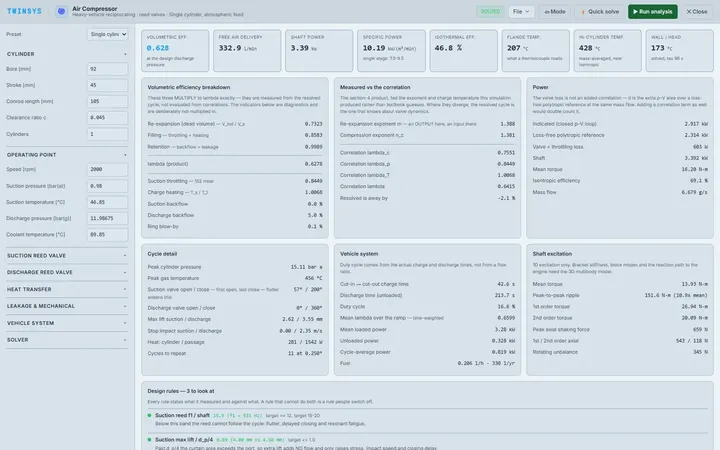
Air Compressor
PremiumCrank-angle cycle analysis of a reed-valve reciprocating air compressor: free air delivery, shaft power and the loss once it is hot.
Motion, robotics & controls
Systems that move, and the logic that moves them.
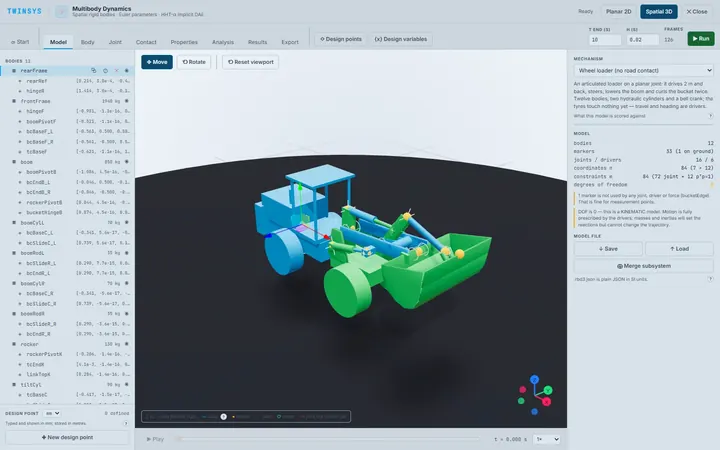
Multibody Dynamics
PremiumRigid-body mechanism dynamics in 2D and 3D: joints, drivers, springs, bushings and contact, with the reaction at every joint.
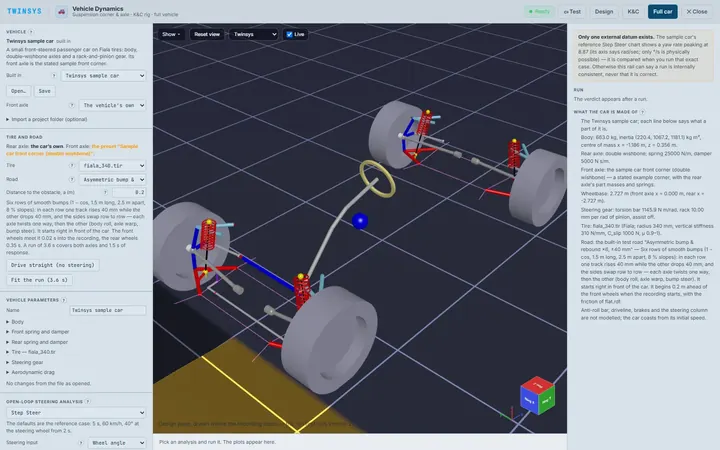
Vehicle Dynamics
Free accountBuild a suspension corner from hardpoints, run kinematics and compliance sweeps, and drive a full vehicle over test roads in 3D.
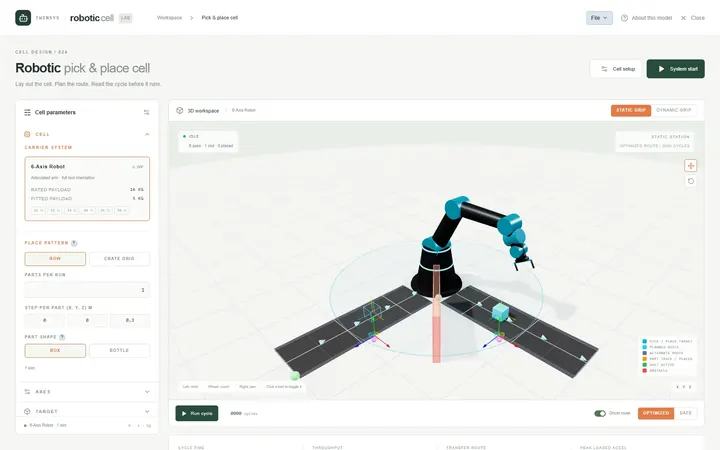
Robotic Cell
PremiumLay out a pick-and-place cell for a palletiser, six-axis arm, SCARA or gantry, plan a collision-free route and get the cycle time.
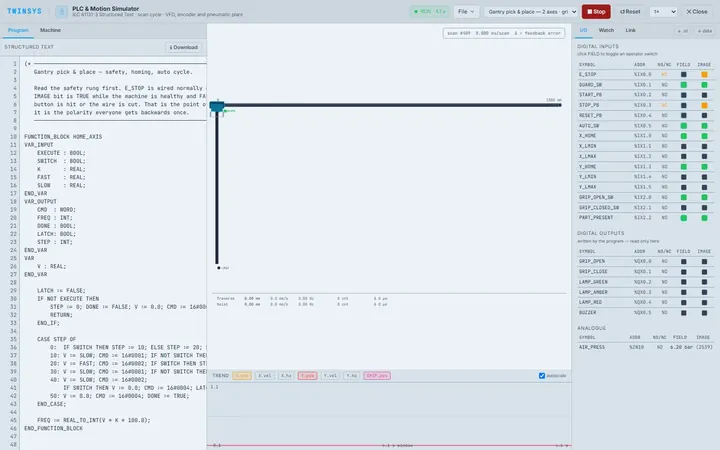
PLC & Motion Simulator
PremiumTest control logic on a simulated machine before it reaches hardware: Structured Text on a real scan cycle, or your PLC over Modbus TCP.
Geometry, lattices & manufacturing
Build the shape, then take it to the machine.
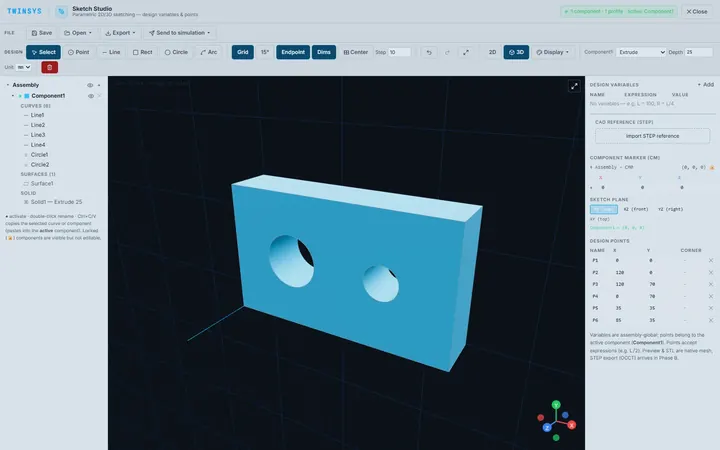
Sketch Studio
PremiumParametric 2D sketching with design variables, extrude and revolve to simple 3D parts, and STEP or STL export, in the browser.
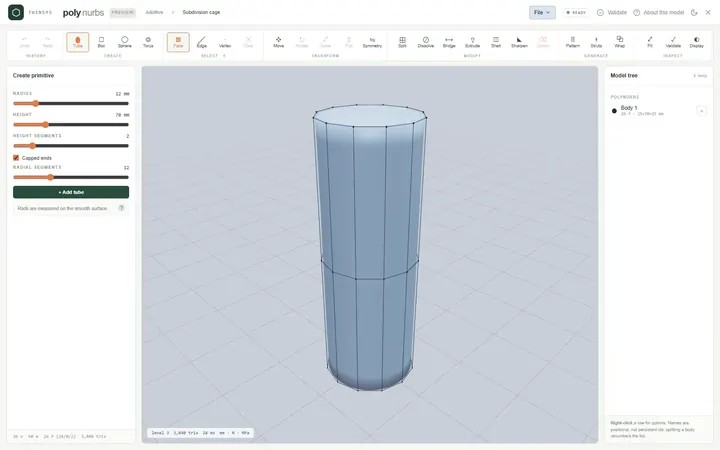
PolyNURBS
PremiumModel smooth organic parts from a quad control cage with subdivision surfaces, or wrap a faceted mesh into an editable cage.
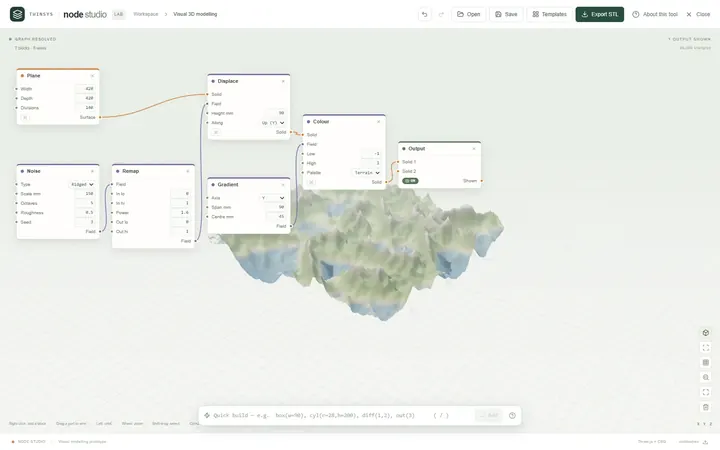
Node Studio
Free accountA visual node-based 3D modeller: wire blocks together and the geometry rebuilds as you type, with lists, fields and booleans.
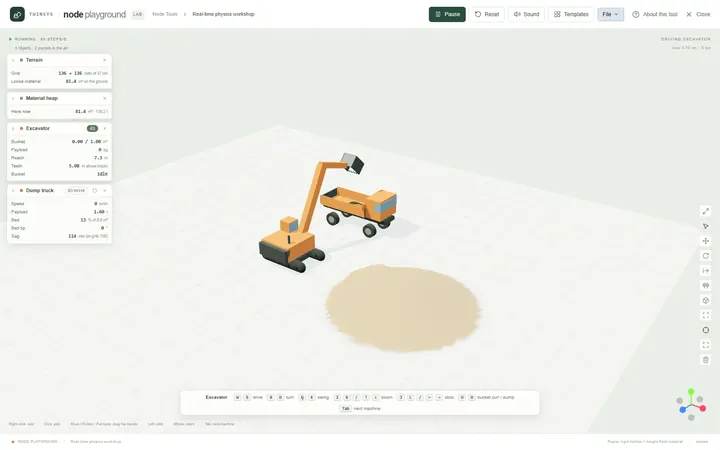
Node Playground
Free accountA real-time physics workshop: drop machines, material, water and structures on the ground and drive them with the keyboard.
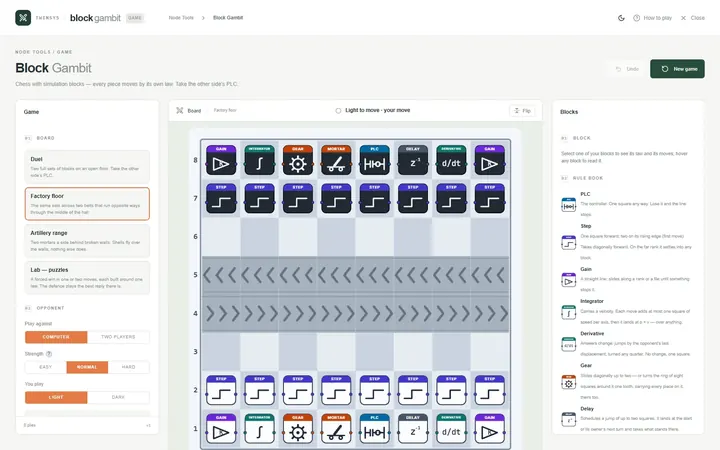
Block Gambit
Free accountChess played with simulation blocks: every piece moves by its own law, and you win by taking the other side’s PLC.
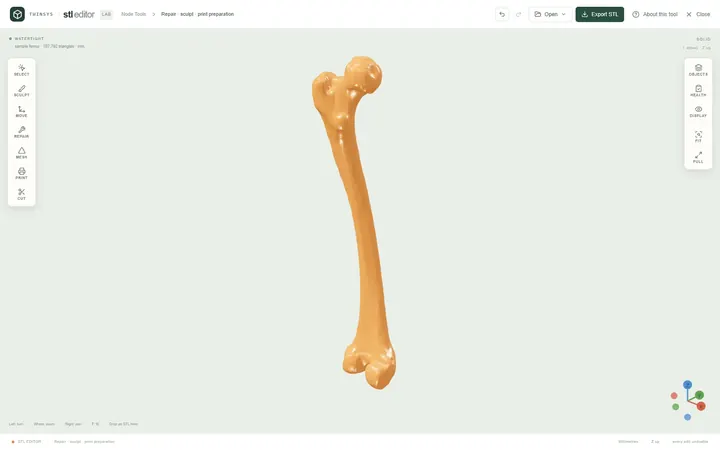
STL Editor
Free accountOpen an STL, see exactly what is wrong with it, repair, edit or sculpt it, and find the orientation that needs least support.
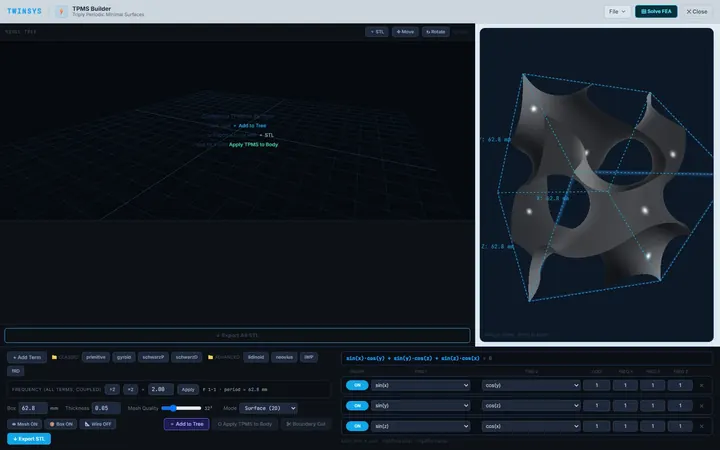
TPMS Builder
PremiumDesign gyroid and other TPMS unit cells, fill an STL body with them, and measure the cell's effective stiffness with shell FEA.
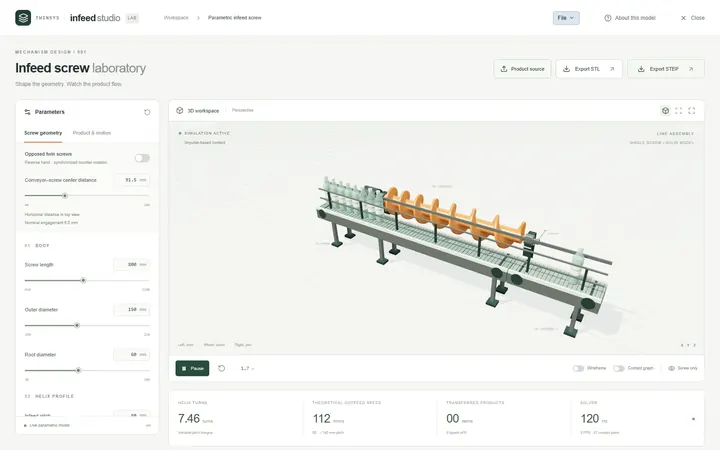
Infeed Screw Laboratory
PremiumDesign a variable-pitch infeed or timing screw, watch containers move through it in a rigid-body simulation, and export STL or STEP.
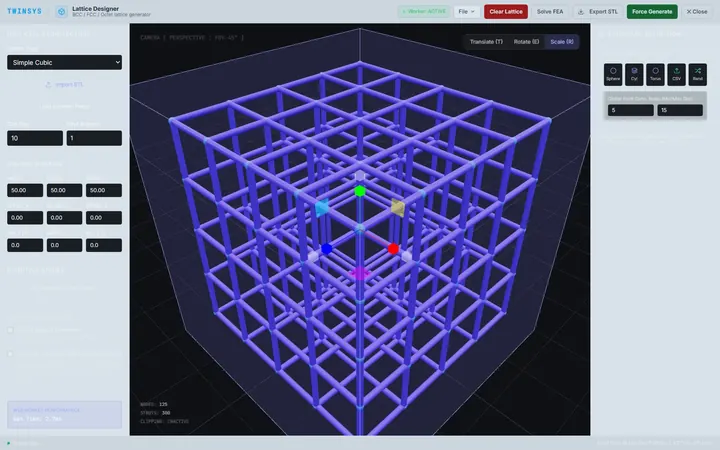
Lattice Designer
PremiumFill a part with a strut lattice — cubic, BCC, FCC, octet or from points — trimmed to an STL or primitive shapes, and export STL.
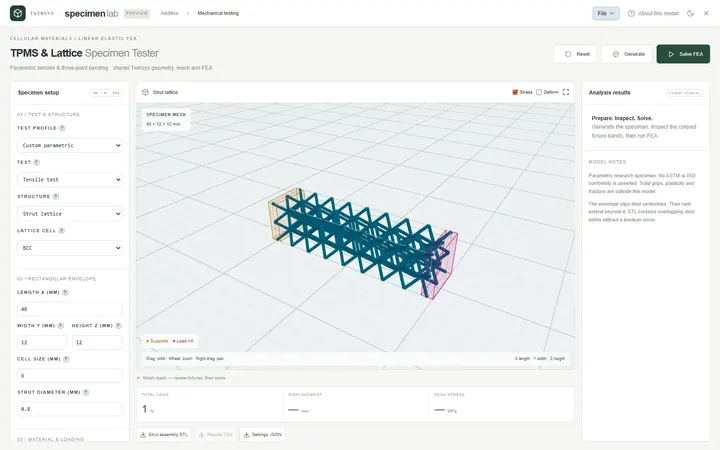
TPMS & Lattice Specimen Tester
PremiumBuild TPMS or strut-lattice tensile and three-point-bending specimens and solve them with linear FEA for apparent stiffness and modulus.
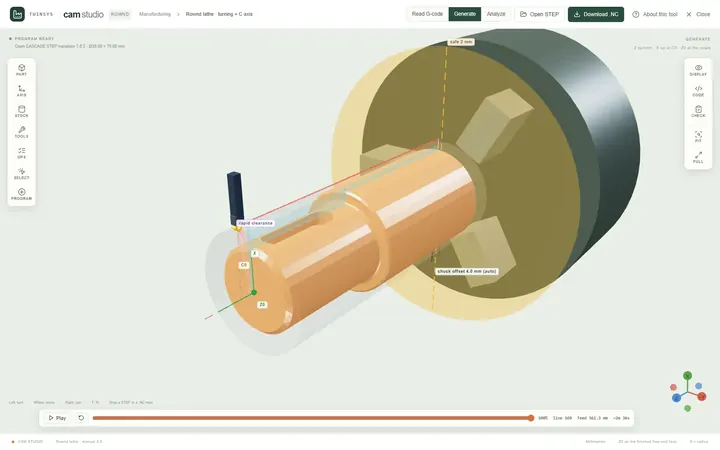
CAM Studio
PremiumWrite CNC lathe programs from a STEP part, prove them on the bar and against the chuck, and read G-code written for many controllers.
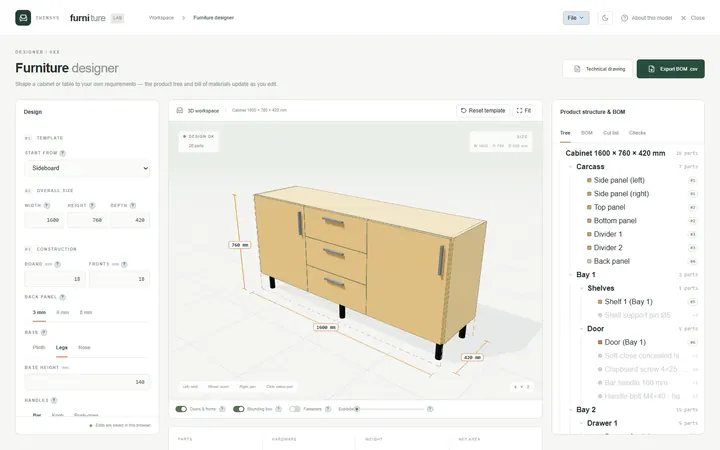
Furniture Designer
PremiumTurn a parametric cabinet or table into parts, fittings, a bill of materials, a cut list and an A4 technical drawing.
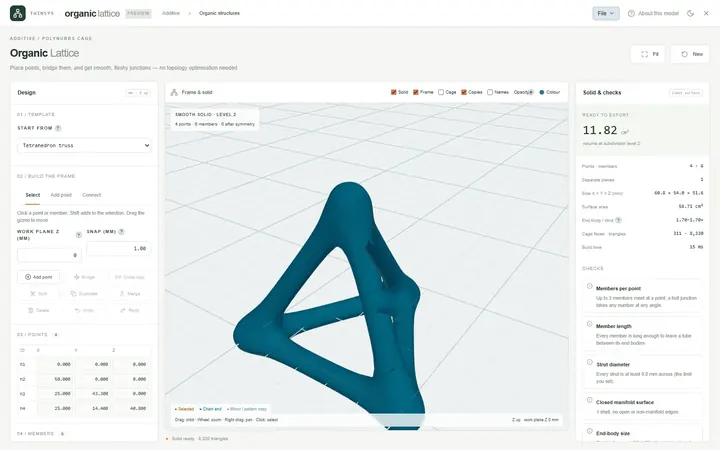
Organic Lattice
PremiumPlace points, join them with members and get one smooth, closed, printable solid with fleshy junctions, ready to export as STL.
Thermal & particles
Heat leaving a surface, and bulk material in motion.
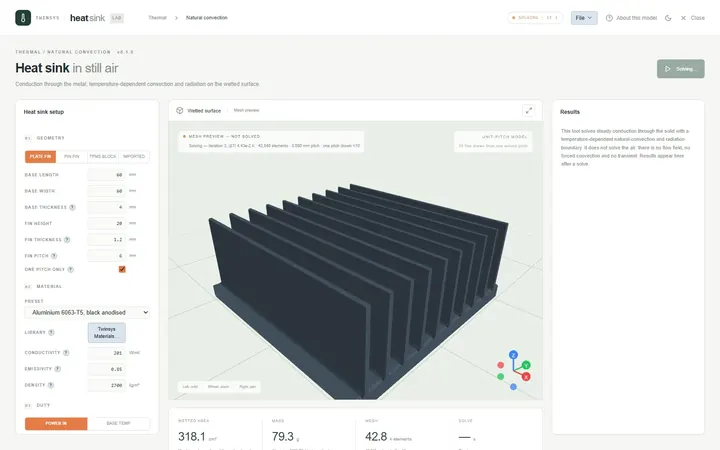
Heat Sink
PremiumPredict how much heat a heat sink sheds in still air by natural convection and radiation, and find the fin pitch that works best.
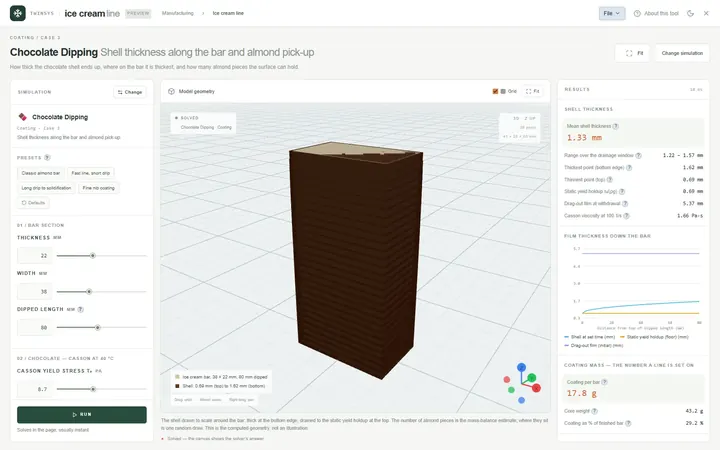
Ice Cream Line
PremiumModel a frozen-dessert line case by case: freezing time, hardening tunnel, chocolate dipping, extrusion, coating, toppings, cornet line.
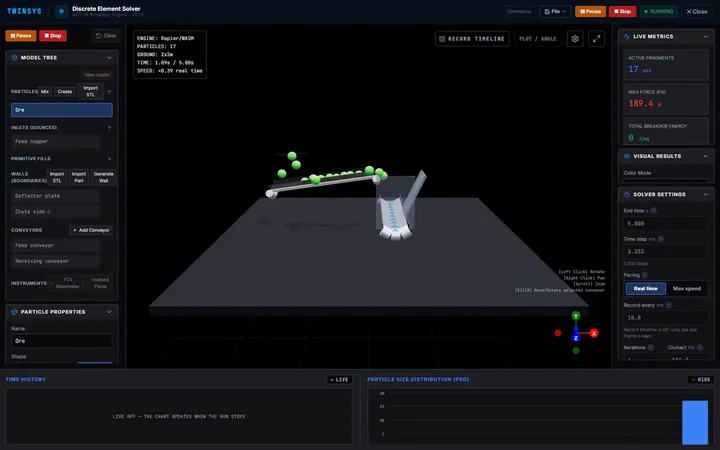
DEM
PremiumSimulate bulk material in transfer chutes, conveyors and screens with the discrete element method, and calibrate it with built-in tests.
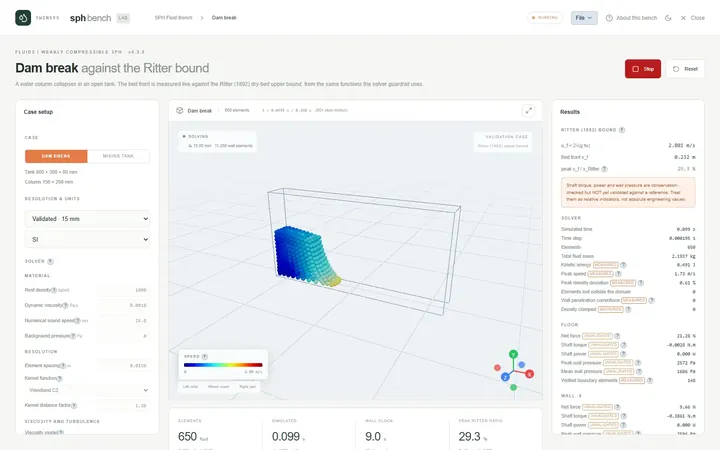
SPH Fluid Bench
PremiumWatch a weakly-compressible SPH fluid solver run a dam break checked against Ritter's solution, and a stirred mixing tank.
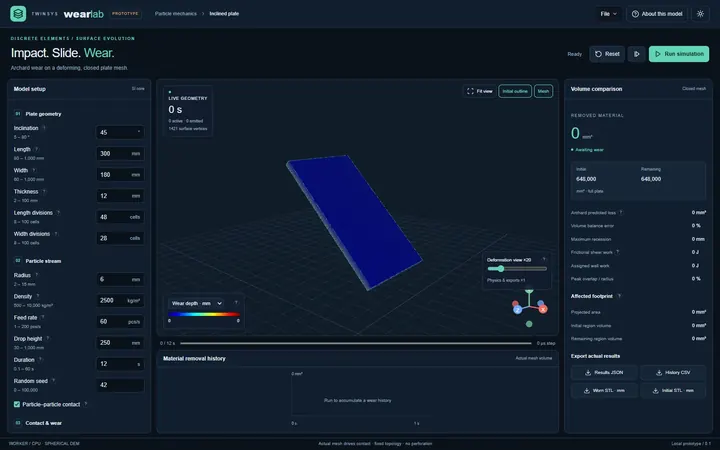
DEM - Wearing
PremiumSimulate particles sliding down an inclined plate and wearing it by Archard's law, with the worn surface fed back into contact.
Data, materials & method
Choose the material, find which variable matters, and read what the run produced.
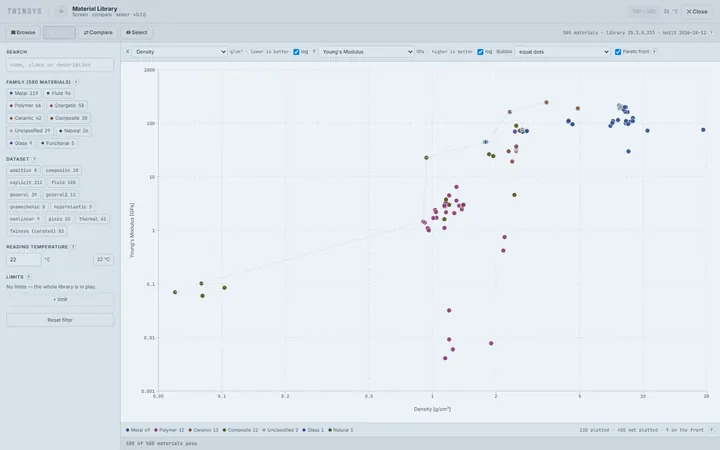
Material Library
PremiumBrowse, compare and rank engineering materials from one shared library, with property charts, a Pareto front and weighted selection.
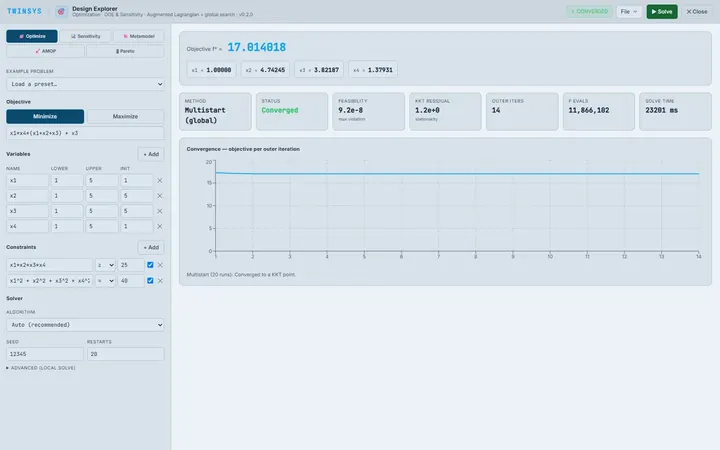
Design Explorer
Free accountConstrained optimisation and design exploration for problems written as equations: optimum, sensitivity, metamodels and Pareto fronts.
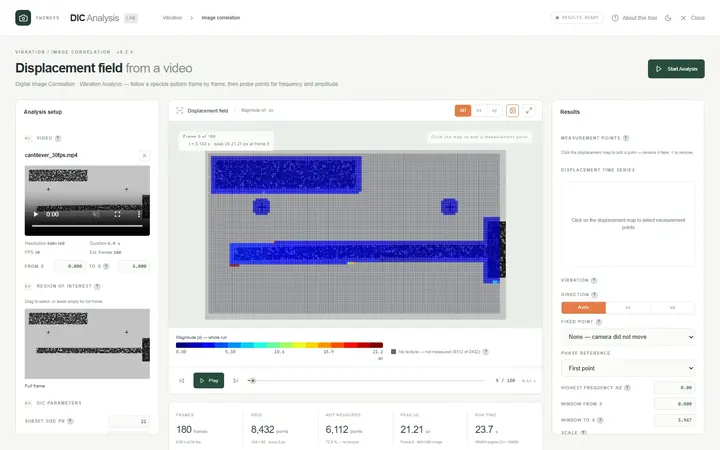
Video DIC
Free accountMeasure displacement and vibration from ordinary video by digital image correlation, in your browser — the video is never uploaded.
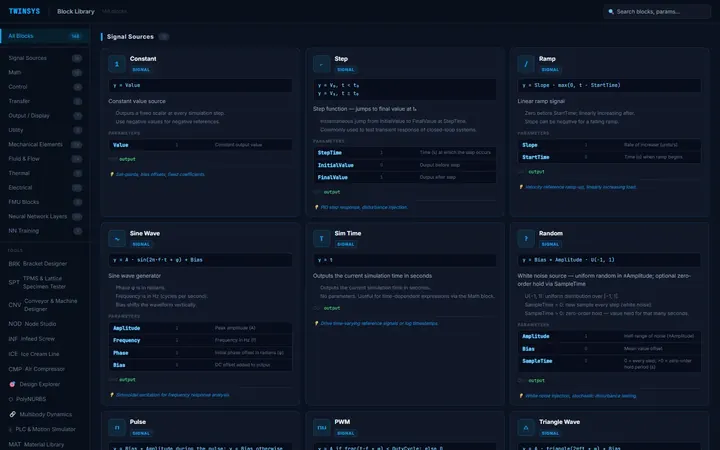
Block & Tool Reference Library
Free accountA searchable reference for every Twinsys canvas block — its equation, behaviour, typical use and every parameter — plus tool pages.