Furniture Designer
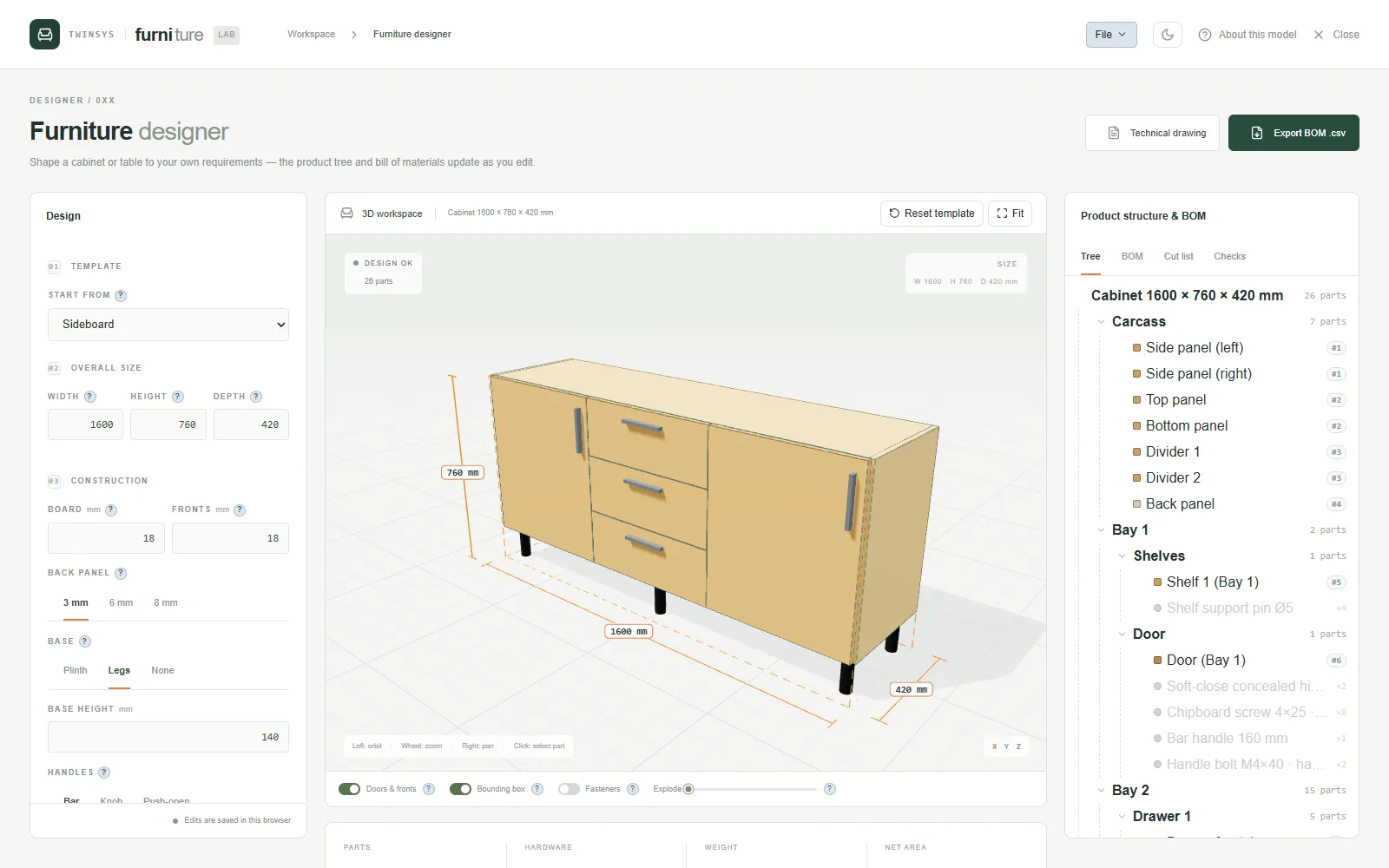
Turn a parametric cabinet or table into parts, fittings, a bill of materials, a cut list and an A4 technical drawing.
Product pages are in English.
Highlights
- Seven templates, from a three-bay wardrobe to a round coffee table
- Bays with drawers, doors, shelves and hanging rails on a plinth, legs or no base
- Cam connectors, dowels, slides, hinges and screws placed where panels meet
- BOM with boards to buy and weight, cut list with edge banding, and rule-of-thumb checks
- PDF drawing with three views and cut-list sheets; save designs on your computer or in your cloud
A question it answers
How many sheets of 18 mm board and which fittings does this three-bay wardrobe need, and is any shelf span too long?What you put in
One of seven templates (three-bay wardrobe, sideboard, open bookcase, chest of drawers, dining table, round coffee table, desk) or a saved design file; overall width, height and depth; board, back and front thicknesses; base type and height; per bay the drawer count and front height, upper section, door leaves, shelves and hanging rail; handle style; for a table the shape, top thickness, leg style, size and inset, and apron; a material per role from the built-in catalogue or from the shared material library (name and density only; price typed in, colour picked). Lengths in mm.
What you get
3D view with a fasteners mode and a bounding box with overall dimensions; a product tree where picking a joint highlights the two panels it ties; a BOM with parts grouped by size and material, hardware by catalogue item, stock to buy per board material and thickness, weight and an indicative cost; a cut list with length, width, thickness and edge-banded edges; rule-of-thumb checks (shelf span, door leaf size, drawer slide fit, drawer front height, rail clearance, tipping, top sag, table top span, overhang, leg slenderness); exports of the BOM and cut list as CSV, the design as JSON, and an A4 technical drawing PDF with front, side and top views plus one cut-list sheet per material and thickness.
More in this family
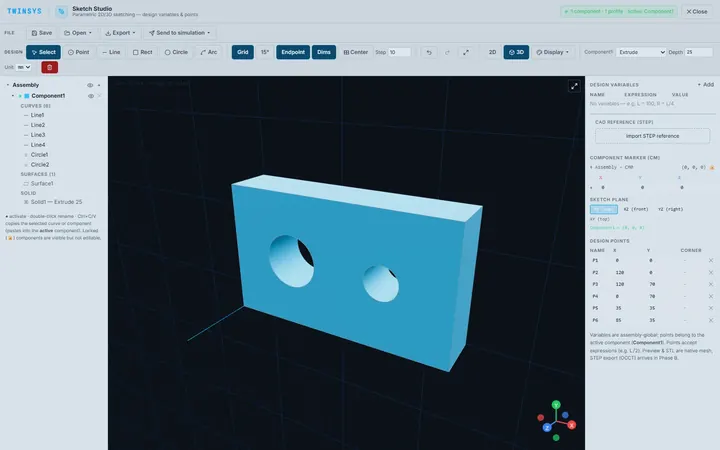
Sketch Studio
PremiumParametric 2D sketching with design variables, extrude and revolve to simple 3D parts, and STEP or STL export, in the browser.
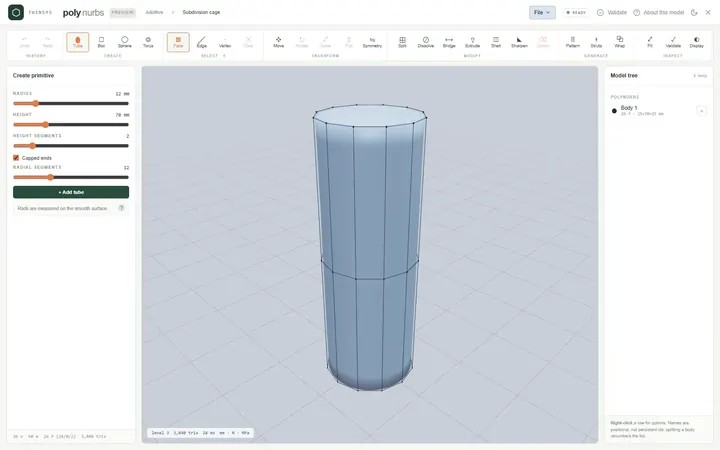
PolyNURBS
PremiumModel smooth organic parts from a quad control cage with subdivision surfaces, or wrap a faceted mesh into an editable cage.
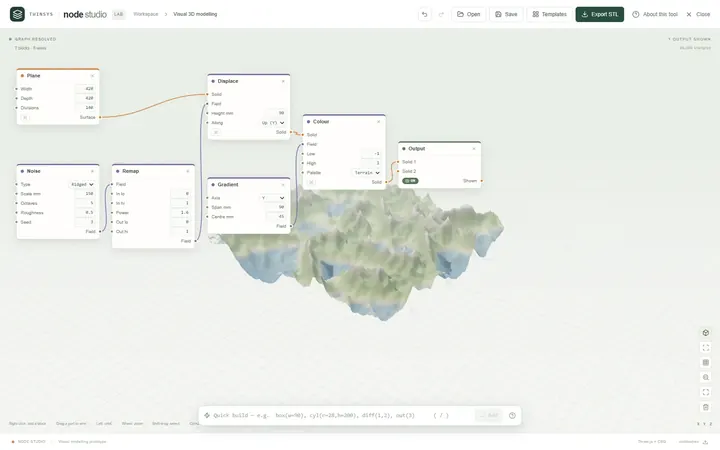
Node Studio
Free accountA visual node-based 3D modeller: wire blocks together and the geometry rebuilds as you type, with lists, fields and booleans.
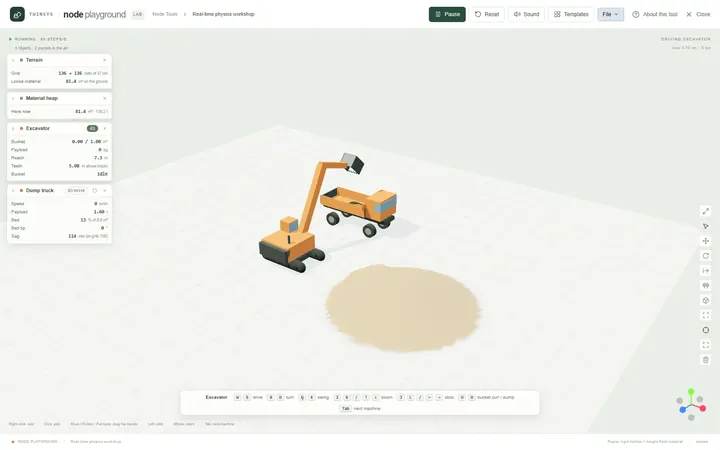
Node Playground
Free accountA real-time physics workshop: drop machines, material, water and structures on the ground and drive them with the keyboard.
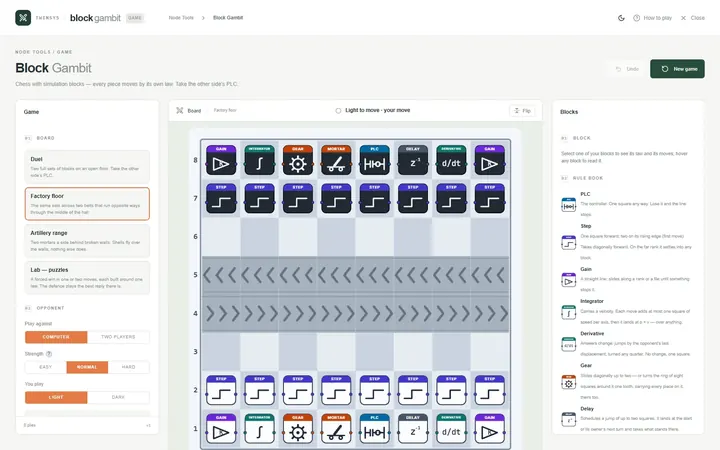
Block Gambit
Free accountChess played with simulation blocks: every piece moves by its own law, and you win by taking the other side’s PLC.
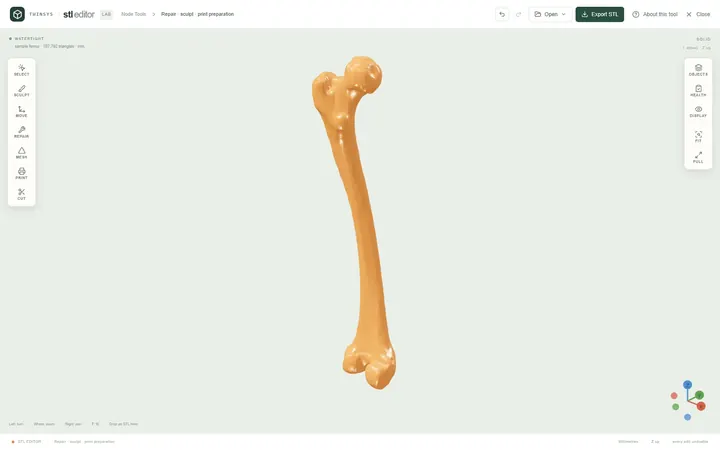
STL Editor
Free accountOpen an STL, see exactly what is wrong with it, repair, edit or sculpt it, and find the orientation that needs least support.