Organic Lattice
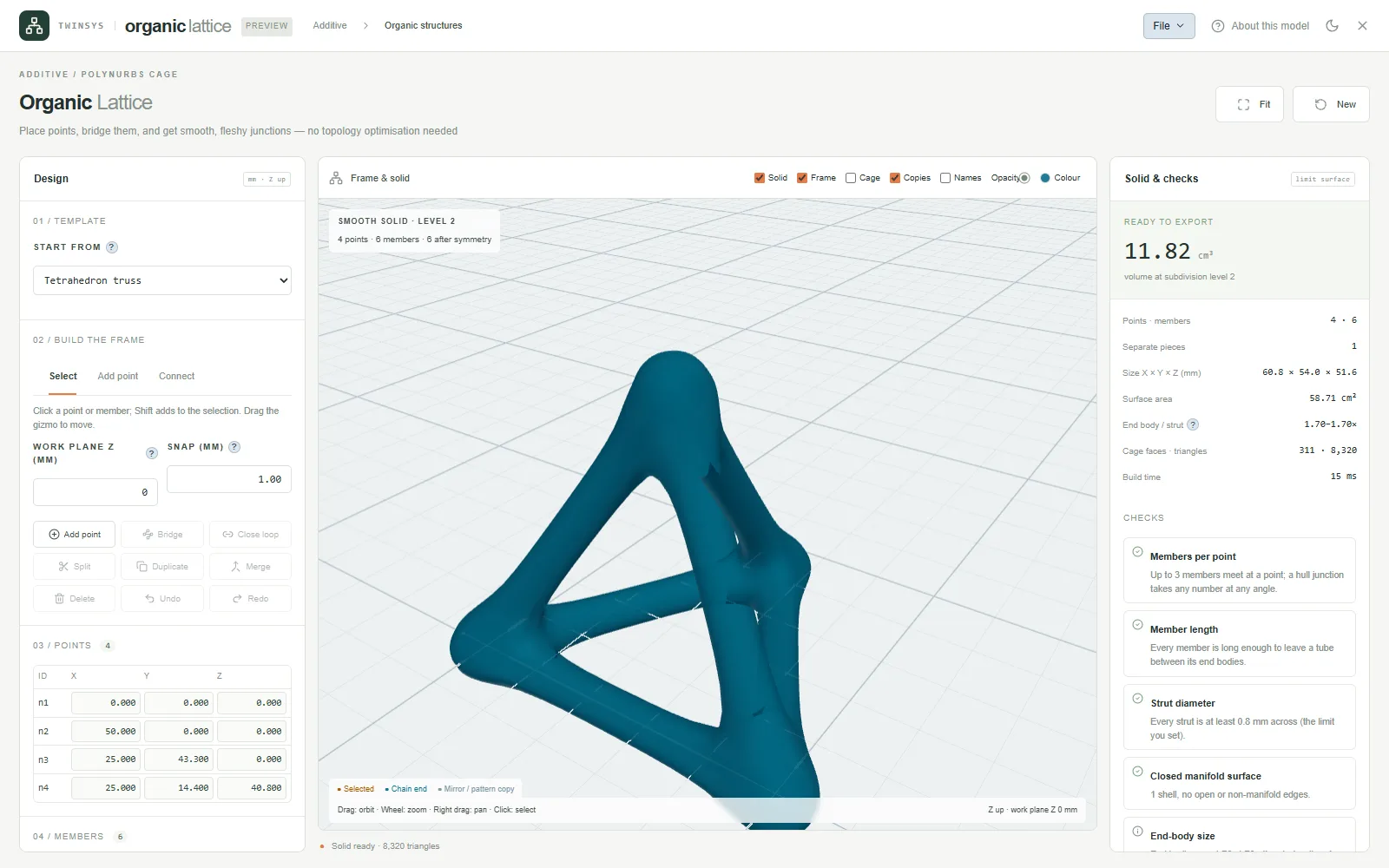
Place points, join them with members and get one smooth, closed, printable solid with fleshy junctions, ready to export as STL.
Product pages are in English.
Highlights
- Drop points in 3D or type X, Y, Z in mm, or open a frame optimised in Topo1D or Drone Frame
- Hull junctions join several members at a point without bending them
- Mirror about X, Y or Z and linear or circular patterns applied to the layout
- Checks name the point or member at fault; volume, area and piece count reported
- STL with Z up, the cage for PolyNURBS, and save to your computer or your cloud
A question it answers
How do I turn a hand-placed strut layout into one smooth bracket with fleshy junctions that I can print?What you put in
Points placed on a snapping work plane or typed exactly, members drawn as chains or bridged between selected points, and a gizmo to move them; one of five templates (empty, tetrahedron truss, cube frame, symmetric A-frame, organic arch), a saved .organic.json, or a frame sent from Topo1D or Drone Frame; strut radius, hub scale and standoff, with per-point body and per-member strut radius overrides; junction type (Hull, or Cube with blend rings and tension); mirror about X, Y or Z and a linear or circular pattern, applied to the point graph; preview and export subdivision levels; a minimum feature size. Lengths in mm, Z up.
What you get
The smooth solid in the 3D view; volume at the named subdivision level (shown only when the surface is a closed manifold), overall size in X, Y and Z, surface area, number of separate pieces, end-body to strut radius ratio, cage face and triangle counts and build time; checks that name the point or member at fault (too short for its end bodies, narrow angle, not connected, no members, coincident points, thinner than the minimum feature, cage defects); an on-demand self-intersection test; and exports: STL with Z up, the control cage as JSON for further editing in /nurbs, and the design as .organic.json.
More in this family
Sketch Studio
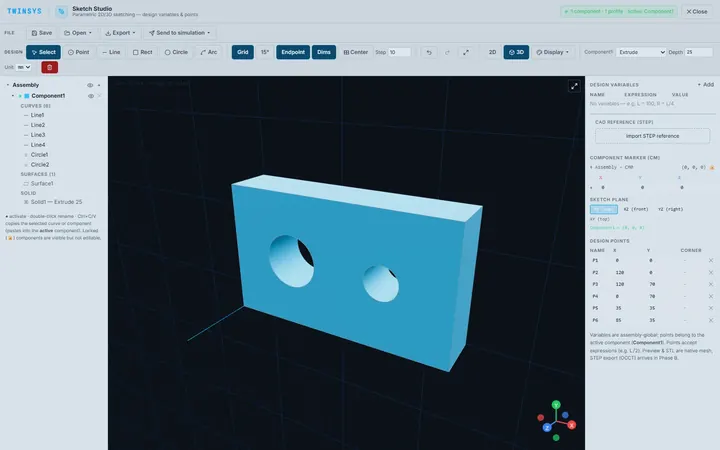
PremiumParametric 2D sketching with design variables, extrude and revolve to simple 3D parts, and STEP or STL export, in the browser.
PolyNURBS
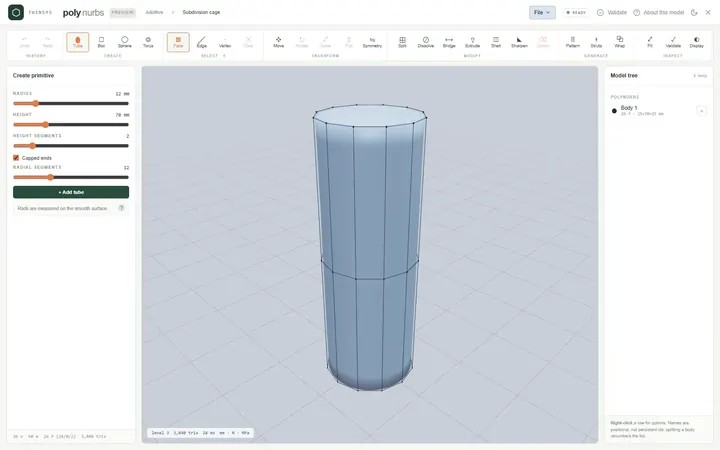
PremiumModel smooth organic parts from a quad control cage with subdivision surfaces, or wrap a faceted mesh into an editable cage.
Node Studio
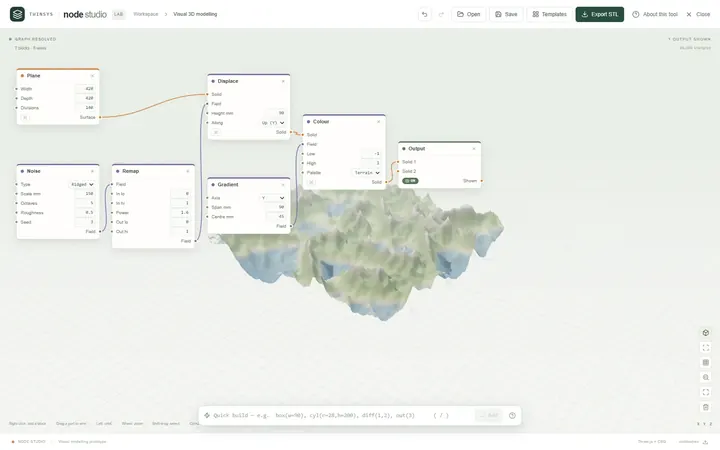
Free accountA visual node-based 3D modeller: wire blocks together and the geometry rebuilds as you type, with lists, fields and booleans.
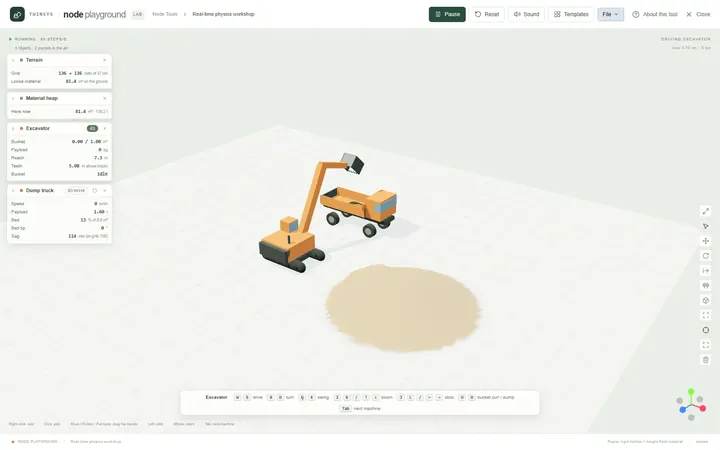
Node Playground
Free accountA real-time physics workshop: drop machines, material, water and structures on the ground and drive them with the keyboard.
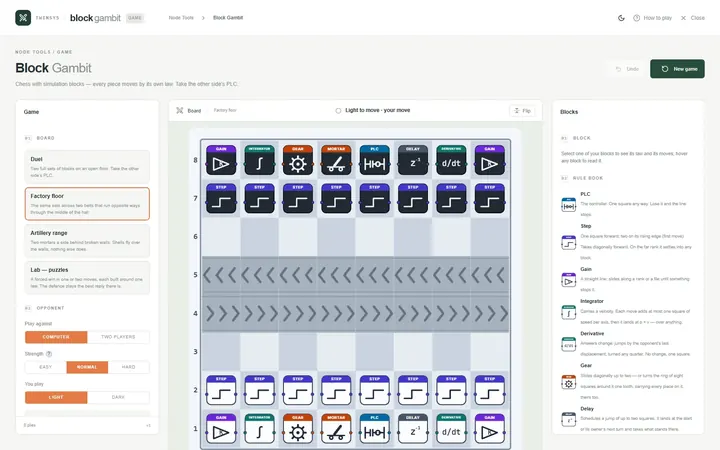
Block Gambit
Free accountChess played with simulation blocks: every piece moves by its own law, and you win by taking the other side’s PLC.
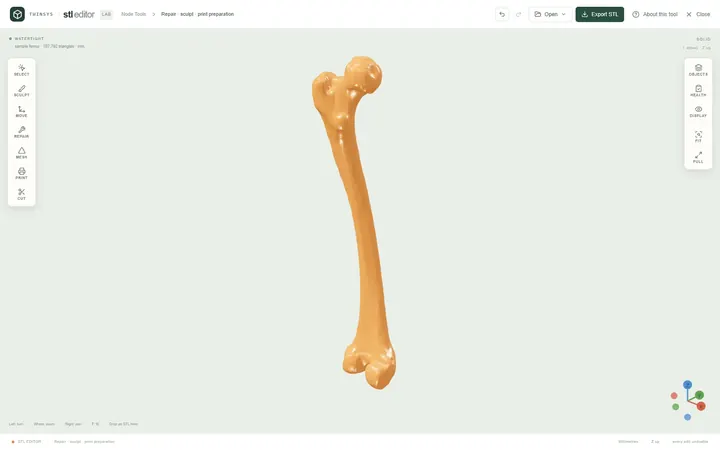
STL Editor
Free accountOpen an STL, see exactly what is wrong with it, repair, edit or sculpt it, and find the orientation that needs least support.